
Microsoft Power Up Program Solution
Purpose
I joined the Microsoft Power Up Program to build practical skills across the Power Platform. The program ran for three months and finished with a final project. The goal was to bring the main tools together in one working solution.
Challenge
The final stage came with clear expectations. It wasn't just about using the tools; it had to show they could work together in a single, working build.
- Integration across apps, data, and reporting
- Reliability the solution had to be fully functional, not just a prototype
- Presentation in a short video to demonstrate it in action
Solution
My final build was a fictional boutique shoe shop, designed to bring all the tools into one place. The solution had two parts: one for customers and one for employees, both working from the same data.
-
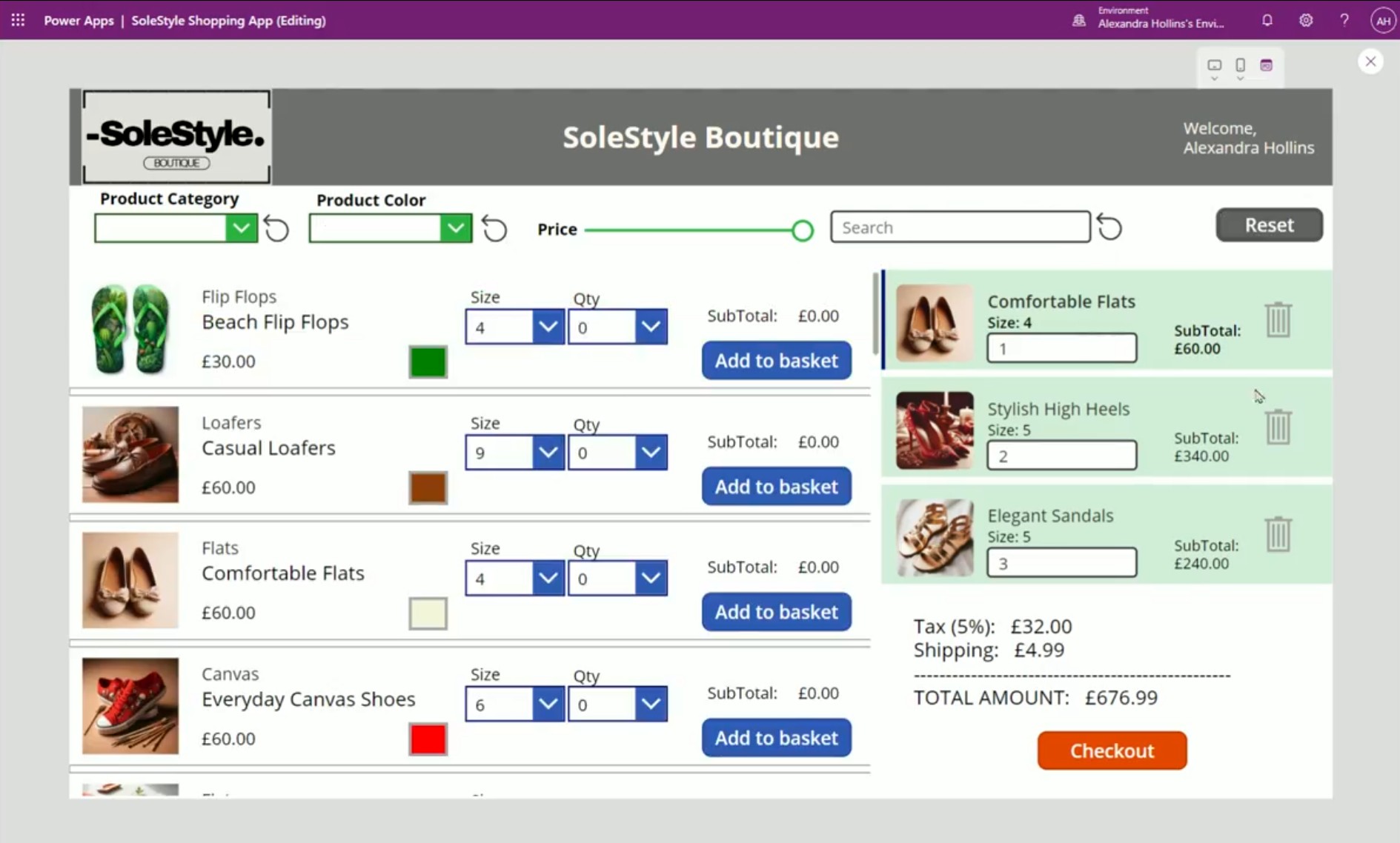
Shopping App (Canvas) let customers browse products, add to basket, and check out
-
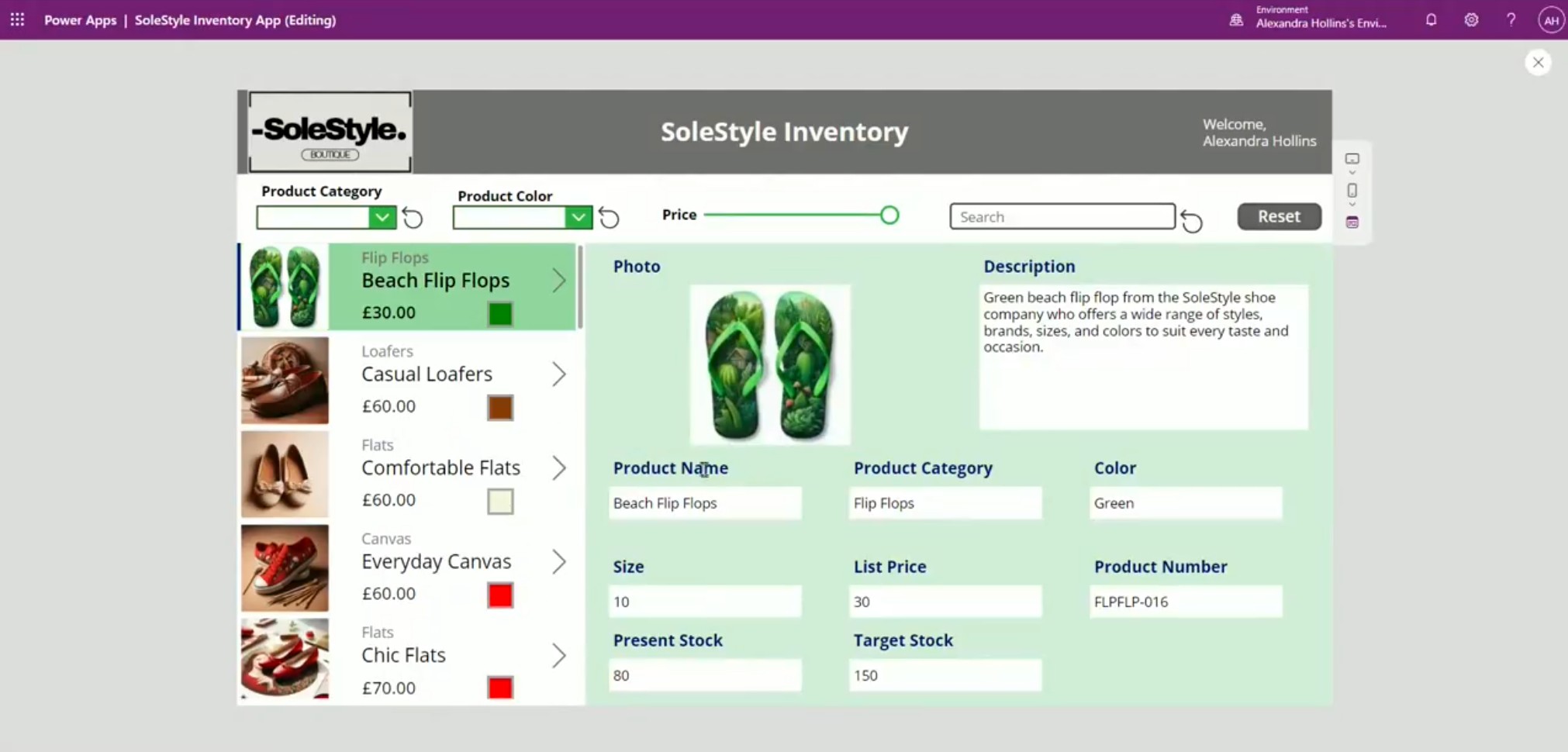
Inventory App (Canvas) gave staff tools to manage stock and update product details
-
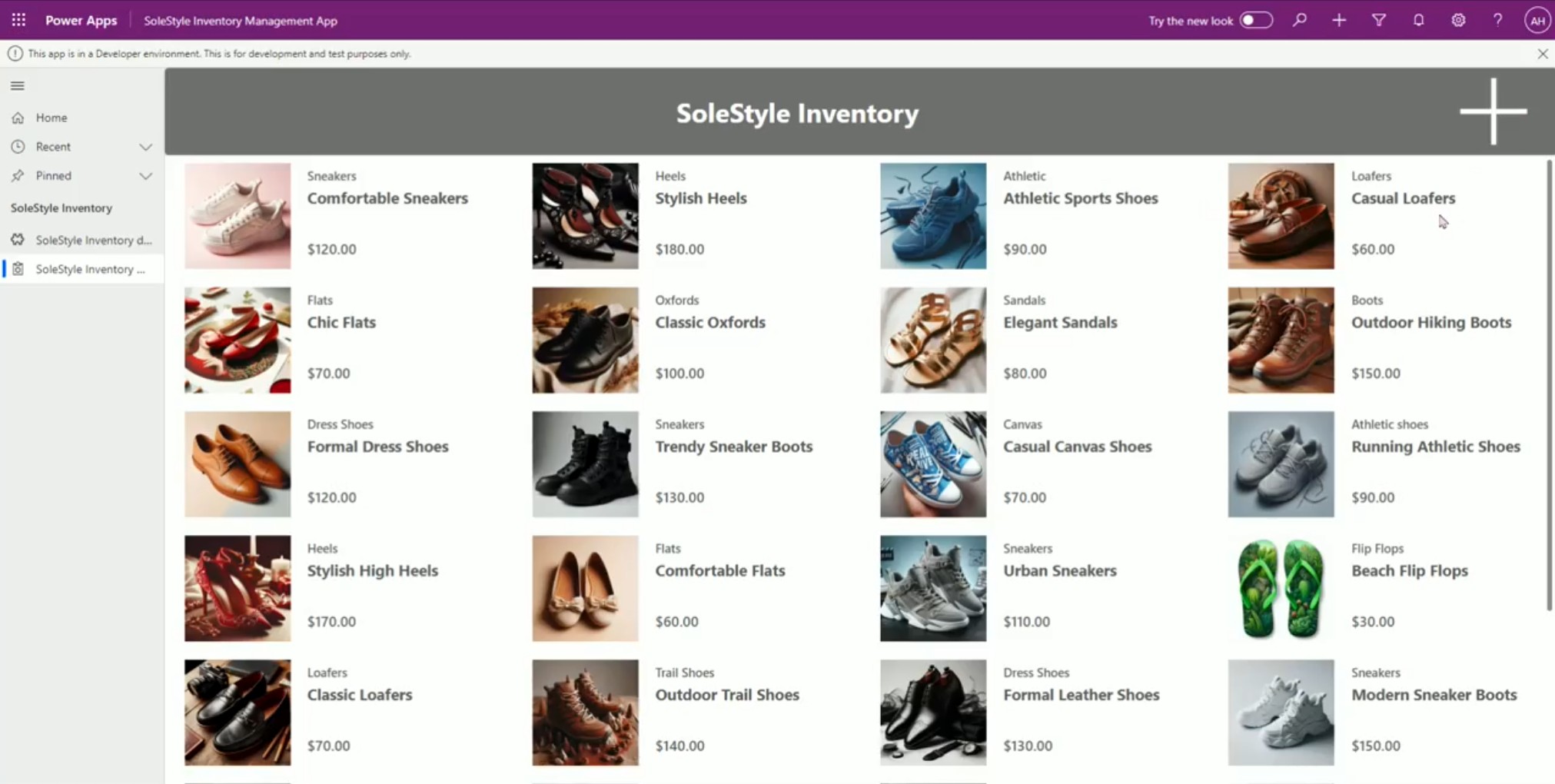
Inventory App (Model-Driven) provided a structured Dataverse view for inventory management
-
Dataverse + SharePoint stored and organized orders and products
To make the scenario realistic, I added supporting layers:
-
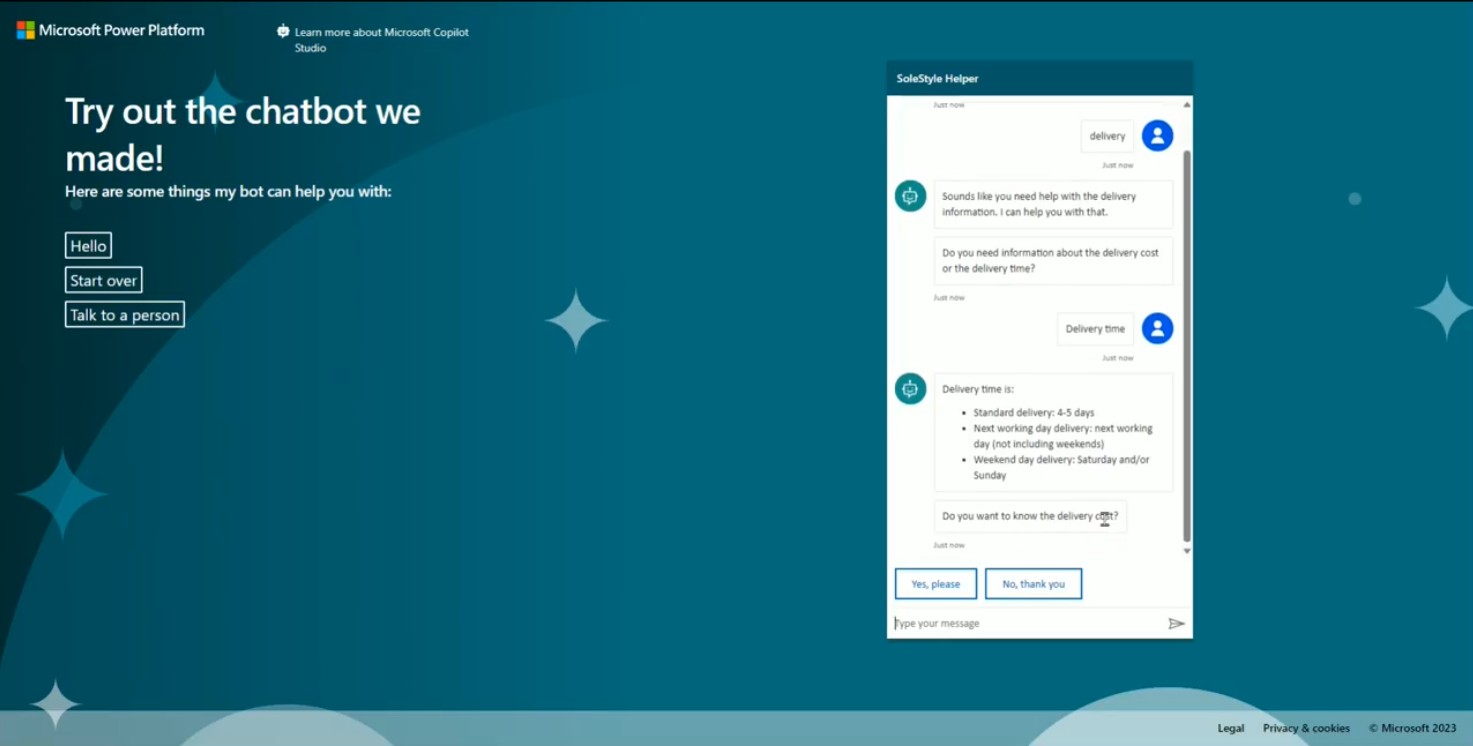
Power Virtual Agents chatbot for delivery queries and returns
-
Power Automate flows for stock notifications and order confirmations
-
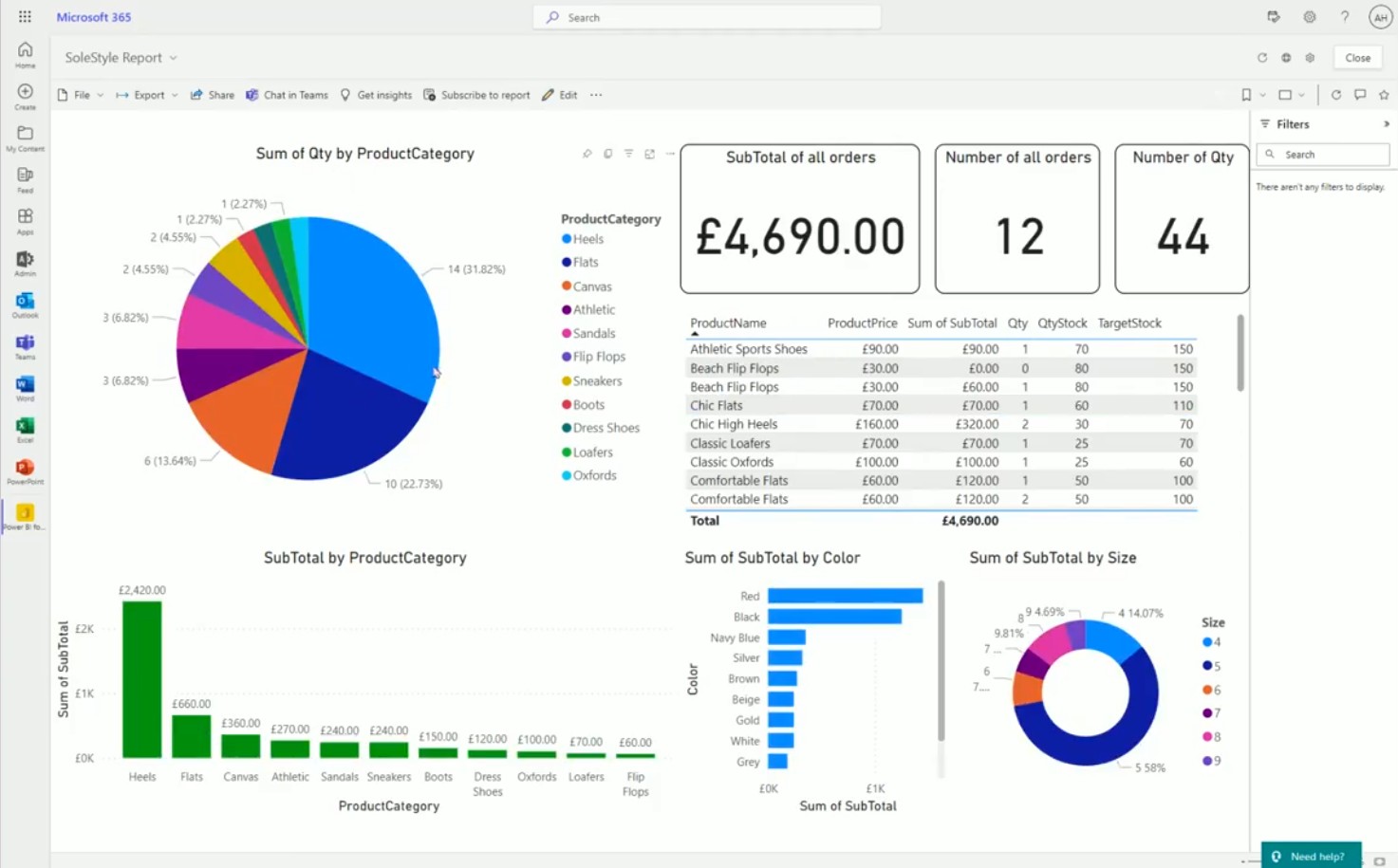
Power BI one-page report summarizing sales and stock by category
Outcome
Even though this was a fictional store, the solution demonstrated real business value:
- Customers could complete a full shopping journey
- Employees had efficient tools for managing inventory
- Managers could see sales and stock insights at a glance
- Automation reduced manual effort with proactive updates